
Prerequisites :
- WRO users must exist in the ManuMax EM Employee Table and in the Authentication System.
- Email, first and last Name MUST match in both EM and the Auth.
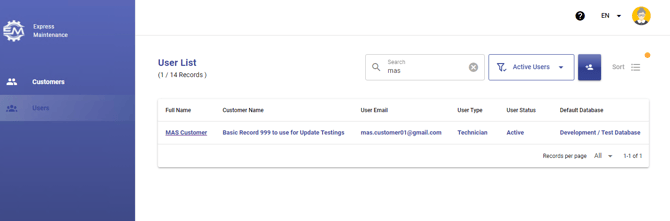
Once Users have been Set up in the ManuMax Security System and appear 'Active':
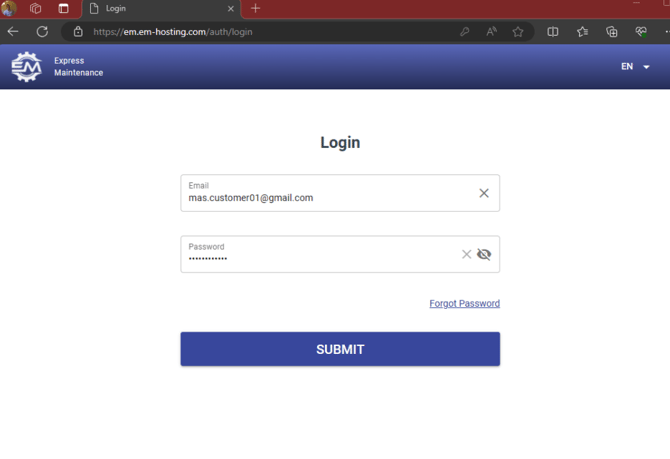
They can log into WRO using their Auth email and password
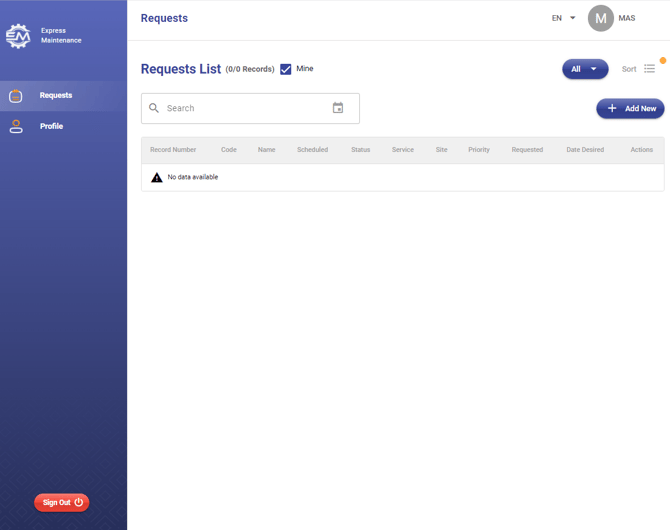
Once logged in by default Users will see only their request, if they have any.
If the check is removed they can see all requests 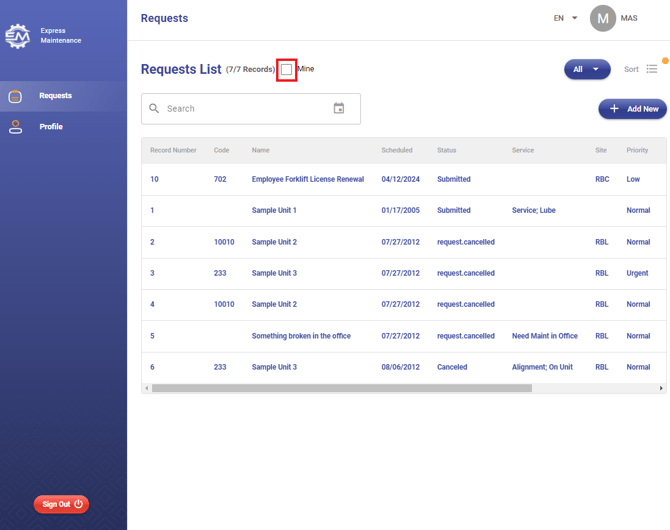 And sort by status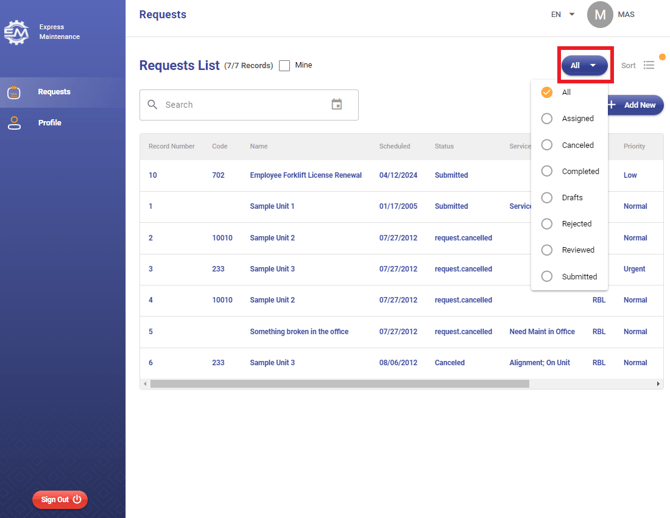
To ADD a new request simply select 'Add New' 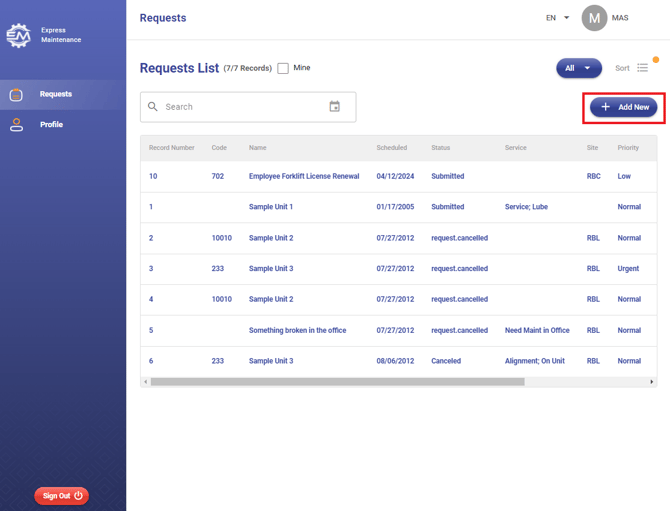
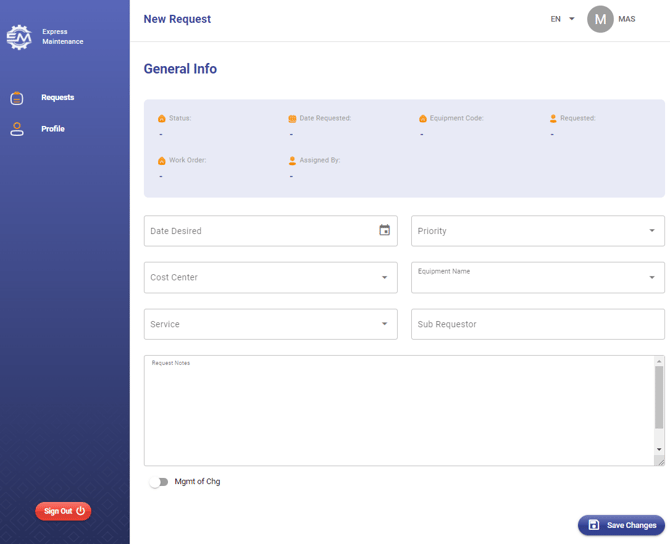
Enter your details and click 'Save Changes'
If you experience issues or need additional assistance, please submit an Support Ticket. Our support team will be happy to help.