
In ManuMax EM, navigate to the Employee Table under the Administration tab and locate the user you wish to add. Click the 'Add to Security' Button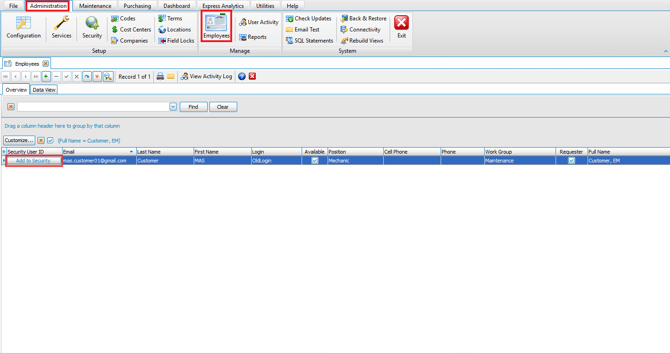
Select the Employee Type
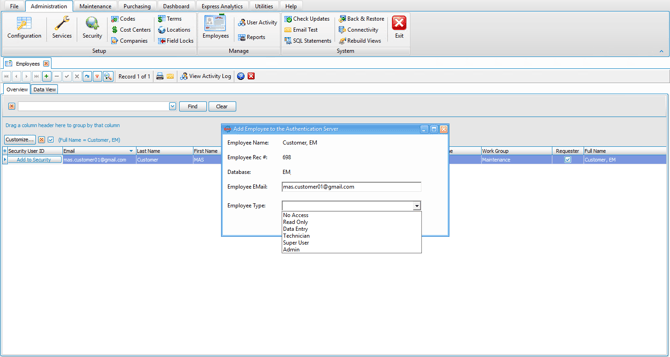
Click on 'Add to Authentication Server' 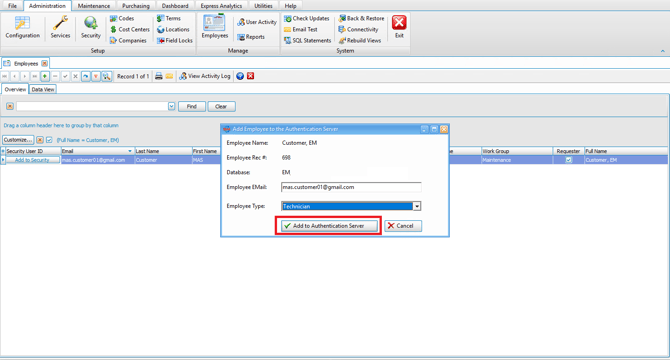
The User will get a 'Security User ID' assigned in ManuMax EM 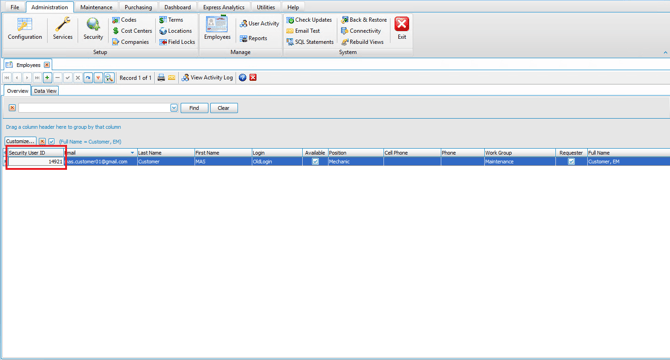
Letting you know they have been added to ManuMax's Security System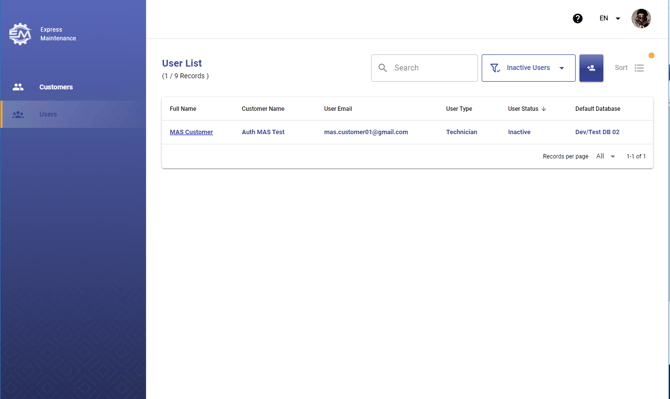
Users will receive an invitation to create their password and get Activated in the Security System.
If you are running into issues or require further help adding users, please don't hesitate to reach out for support.