
Once Site Admin's select the user, they can add more databases by selecting User Database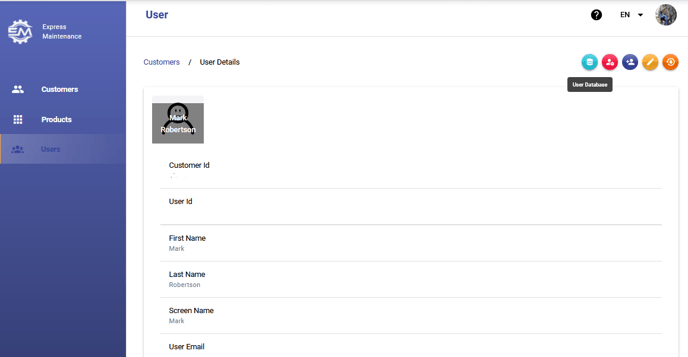
On the User Database pop up, click ADD NEW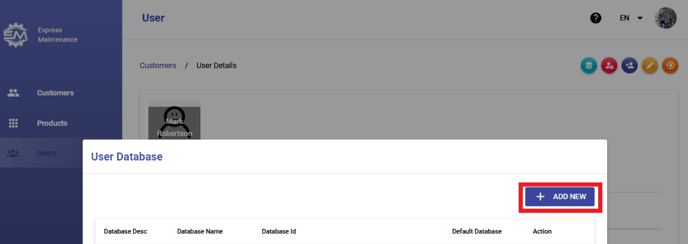
Then select the database/s you want the user to have access to from the drop down menu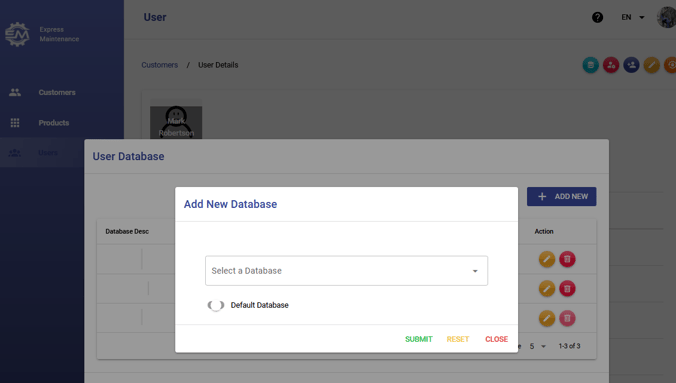
Here you can also change the default database for the user.
If you are experiencing issues or would like help, please Submit a Ticket, we'd be happy to help.